Simulation#
You can run Autoware without a vehicle in four kinds of simulation. Each kind simulates different parts of the vehicle and its world, so it tests different components of Autoware. Choose a simulation by the components that you want to test.
Each page shows how to set up the simulation and how to run Autoware in it. Before you start, install Autoware.
| Simulation | Sensing | Perception | Localization | Planning | Control |
|---|---|---|---|---|---|
| Digital twin simulation | |||||
| Planning simulation | |||||
| Rosbag replay simulation | |||||
| Scenario simulation |
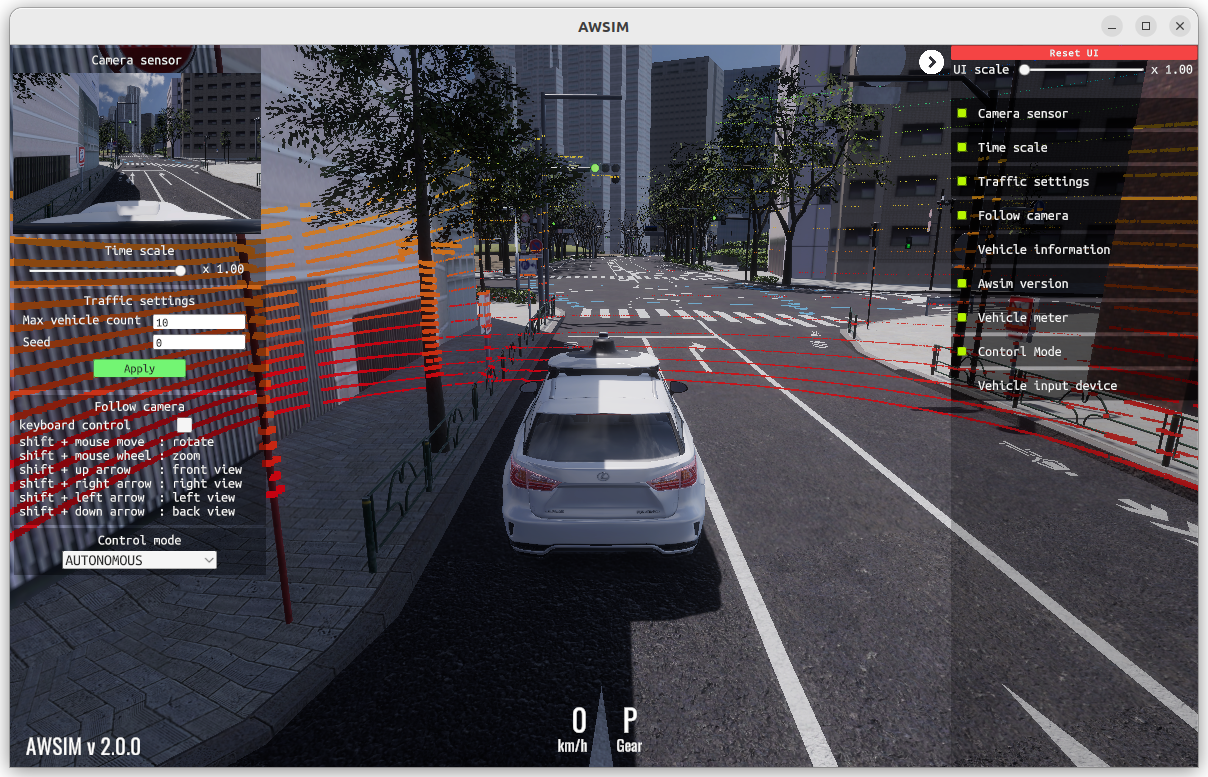
End-to-end
Digital twin simulation#
Tests
All components
All components of Autoware. With another configuration, you can test specific components.
Simulates
- Sensors (Lidar, camera, GNSS/INS, etc.)
- Vehicle dynamics
- NPCs (Non playable characters / other road users & obstacles)
Other simulators: MORAI Sim: Drive, CARLA, and PanoSim. To check that a simulator works with Autoware, run the compatibility test.
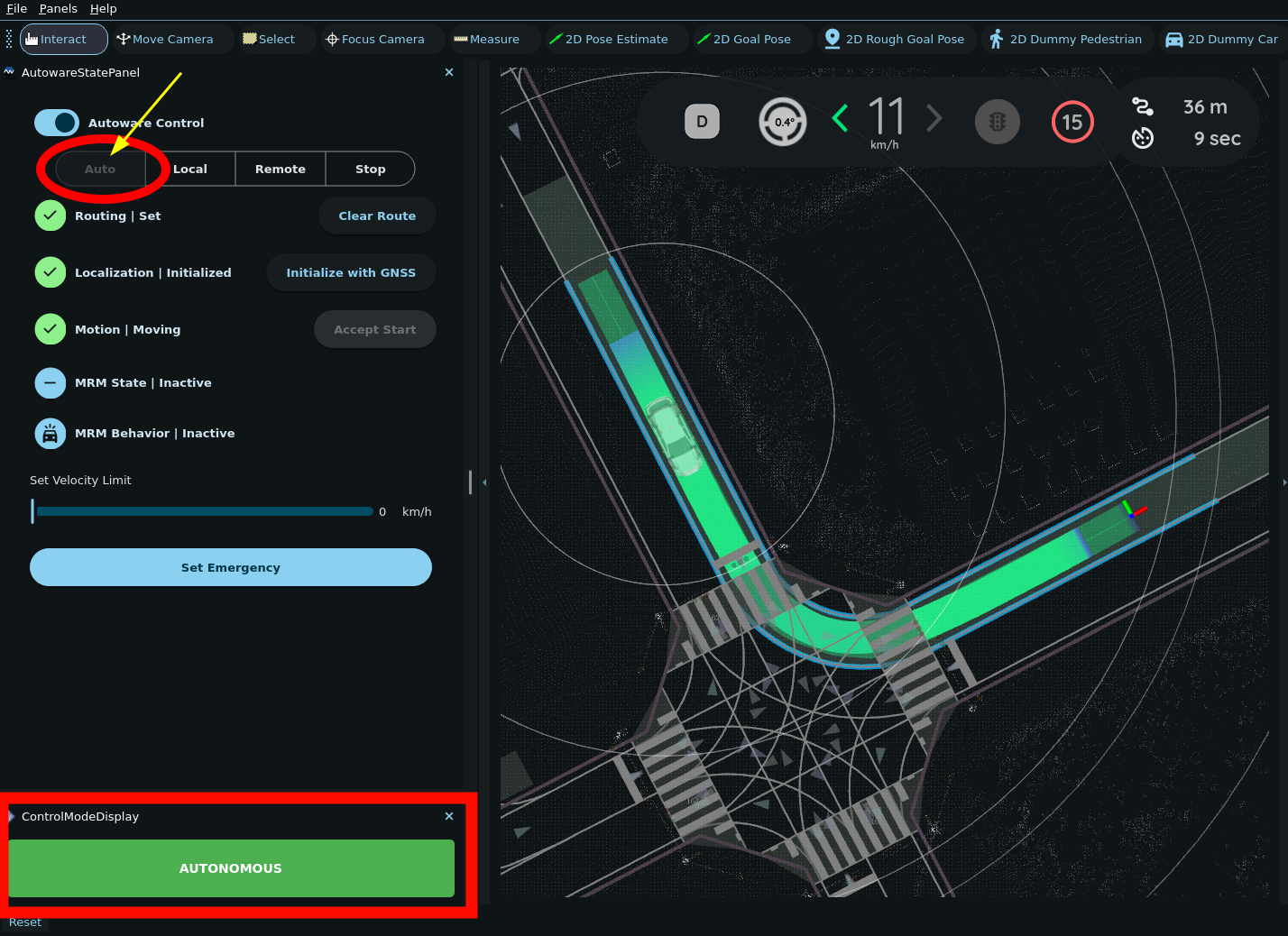
Planning and control
Planning simulation#
Tests
Planning Control
Simulates
- Perception output (bounding boxes)
- Allows you to place dummy objects and simulate their simple movement
- Traffic light output
- Localization output
- Allows you to place the ego vehicle anywhere on the map
- Map output
- Lets you test the validity of Lanelet2 maps
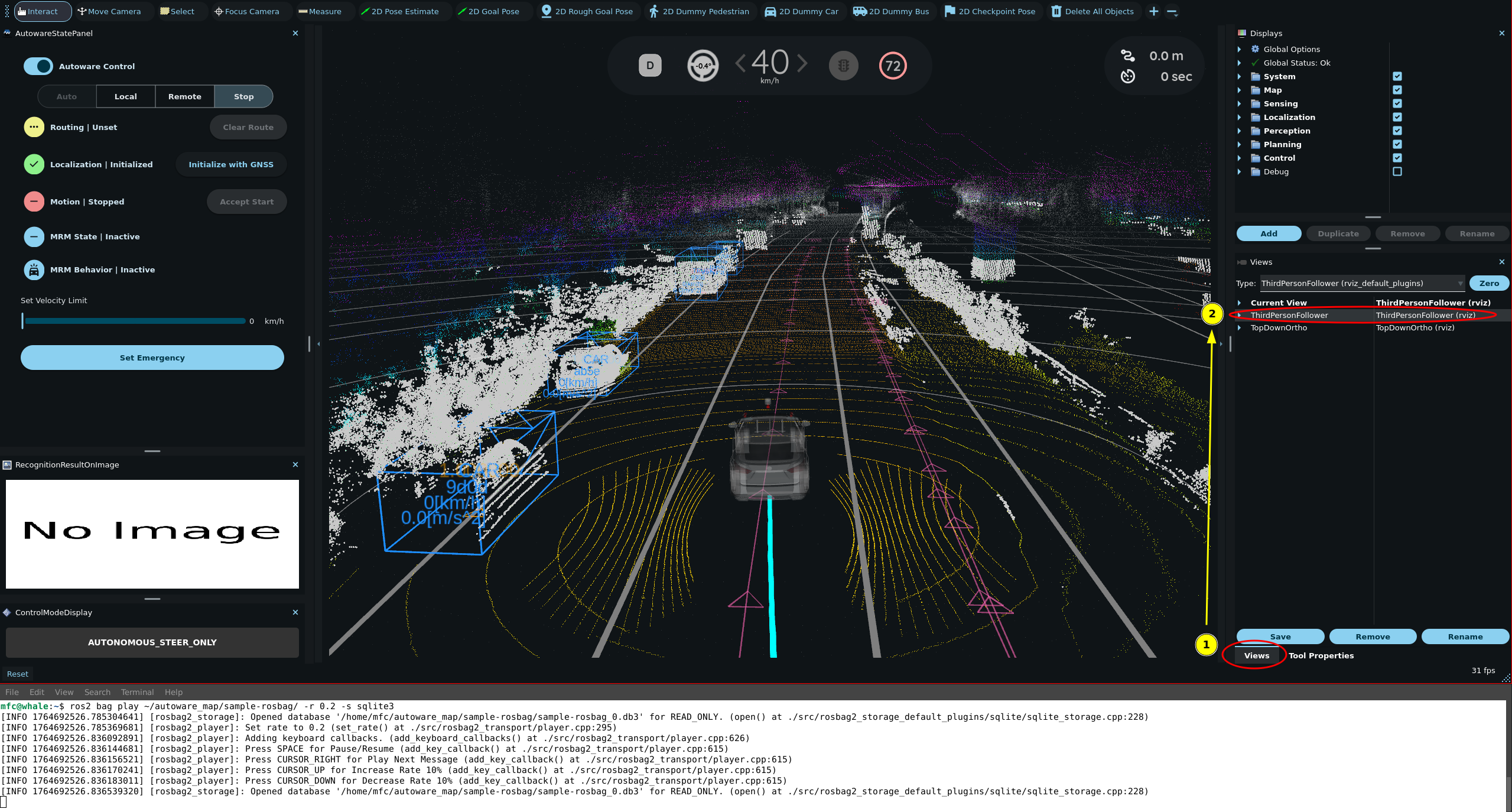
Recorded data
Rosbag replay simulation#
Tests
Sensing Perception Localization
These components with the sample rosbag. With your own recorded data, you can test any other component.
Plays back
- Left, right and top lidar output (in the sample rosbag)
- GNSS/INS data (in the sample rosbag)
- Vehicle status (in the sample rosbag)
- Anything else (based on recorded data)
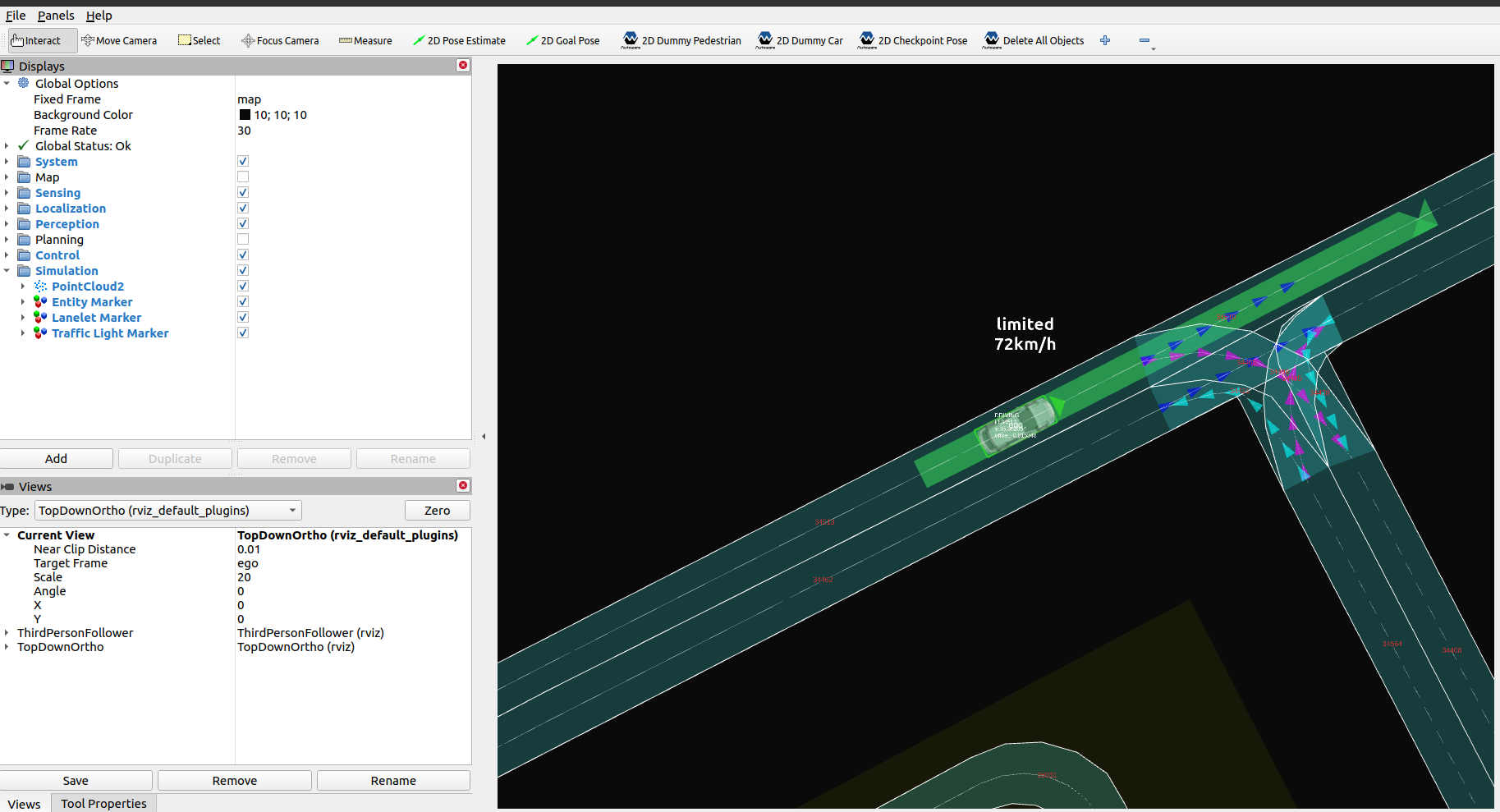
Scenarios
Scenario simulation#
Tests
Planning Control
Simulates
- Other road users and traffic lights, as an OpenSCENARIO scenario describes them
- Perception output (bounding boxes) and the localization output
- The success and failure conditions of the scenario
To evaluate Autoware with recorded data and pass or fail criteria, use the Driving Log Replayer.
Evaluation#
The evaluation pages describe how to measure the quality of Autoware in these simulations: the evaluator packages that calculate metrics while Autoware runs, and an evaluation of the localization in an urban environment.