How to integrate your vehicle in AWSIM environment#
Overview#
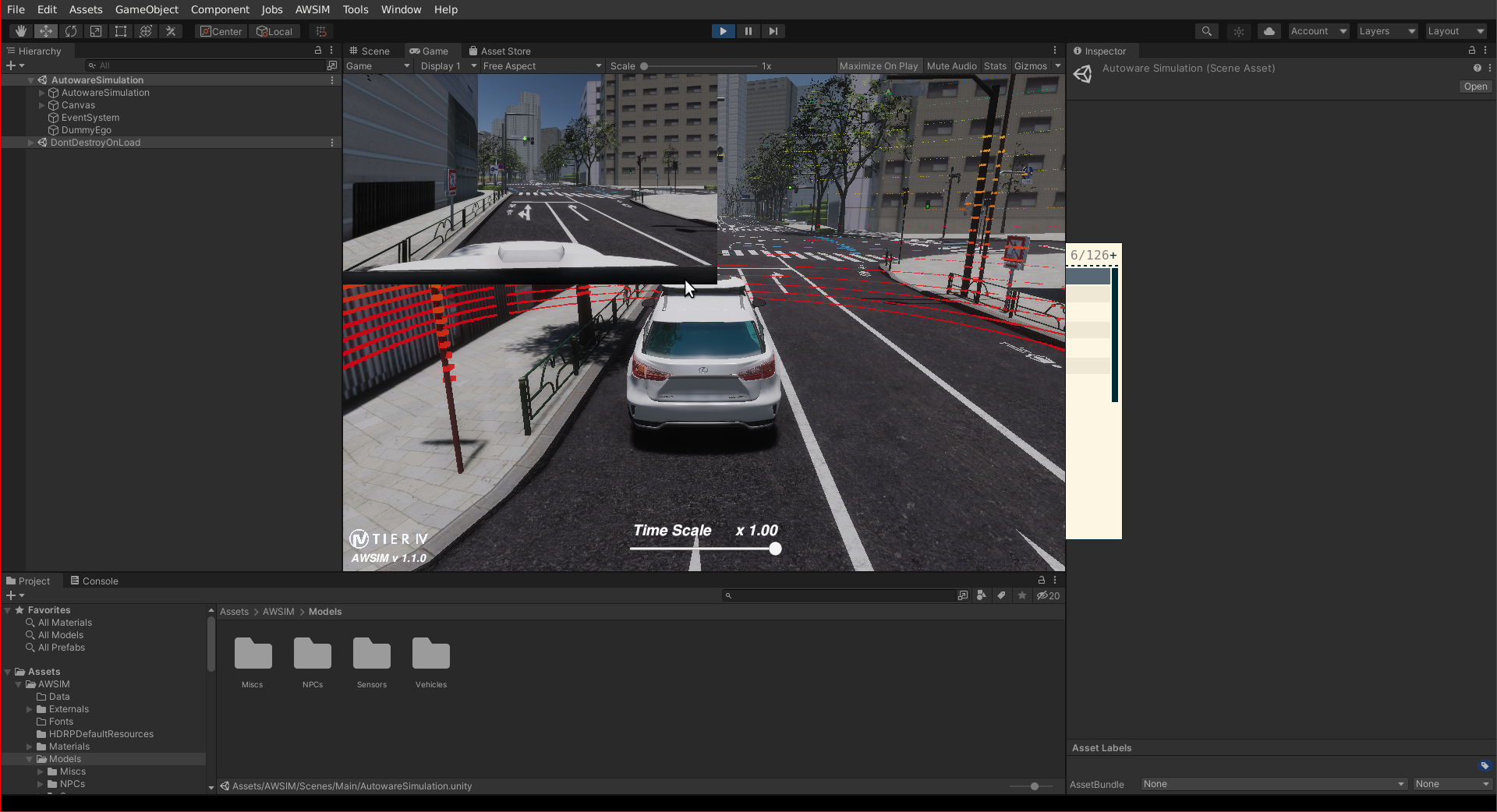
AWSIM is an open-source simulator designed by TIER IV for training and evaluating autonomous driving systems. It provides a realistic virtual environment for simulating various real-world scenarios, enabling users to test and refine their autonomous systems before deployment on actual vehicles.
Set up the Unity project#
To add your environment and vehicle to the AWSIM simulation, you need to set up the Unity environment on your computer. Please follow the steps on the Setup Unity Project documentation page to set up the Unity environment on your computer.
New vehicle integration#
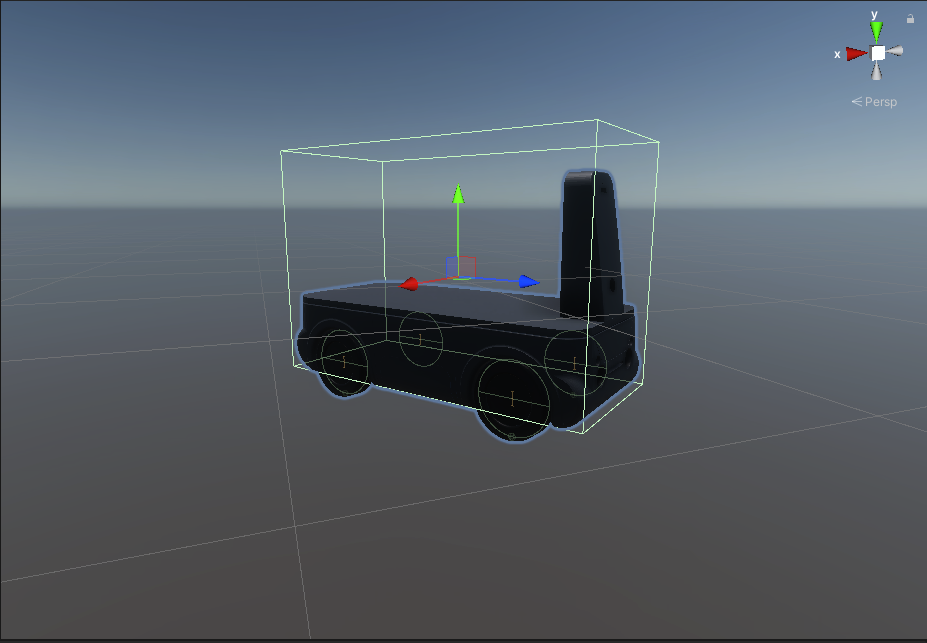
To incorporate your vehicle into the AWSIM environment, you'll need a 3D model file (.dae, .fbx) of your vehicle. Please refer to the steps on the Accel Vehicle documentation page to add your own vehicle to the AWSIM project environment. During these steps, you'll configure your sensor URDF design on your vehicle. Our tutorial vehicle is shown in the AWSIM environment in the following image.
Environment integration#
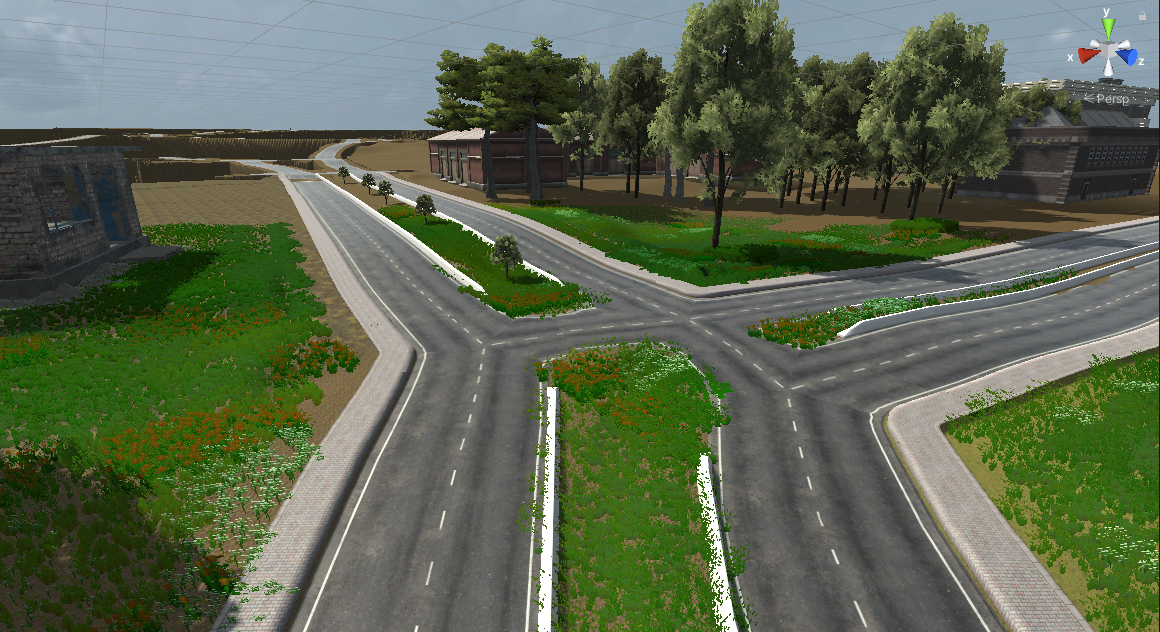
Creating custom 3D environments for AWSIM is feasible, but it's recommended to adhere to the .fbx file format. Materials and textures should be stored in separate directories for seamless integration with Unity. This format facilitates material importation and replacement during import. Please refer to the Scene Class documentation to add your custom environment to the AWSIM project environment.
Launch Autoware with AWSIM#
When your vehicle and your environment run in AWSIM, launch Autoware with e2e_simulator.launch.xml of the autoware_launch package. Use the vehicle model, the sensor model, and the map of your vehicle:
ros2 launch autoware_launch e2e_simulator.launch.xml map_path:=<YOUR-MAP-PATH> vehicle_model:=<YOUR-VEHICLE-MODEL> sensor_model:=<YOUR-SENSOR-MODEL>
The default value of simulator_type is awsim, and use_sim_time is true by default. With simulator_type:=awsim, the diagnostic graph is config/system/diagnostics/autoware-awsim.yaml of autoware_launch. The vehicle/awsim_labs_vehicle_launch and sensor_kit/awsim_labs_sensor_kit_launch directories of autoware_launch are examples of the vehicle and sensor kit packages for AWSIM. For the AWSIM demo of Autoware, see the AWSIM tutorial.
Others#
Additionally, you can incorporate traffic and NPCs, generate point cloud maps using lanelet2 maps, and perform other tasks by following the relevant documentation steps provided in the AWSIM documentation.